
How I Use AI in My
Interior Design Business
(and How You Can Too)
In this self-paced work-along training, you'll set up Claude to sound like you, use it in your real workflow, and walk away with a system you can use the same day.
ADD TO YOUR CART
By the end of this workshop, you will:
- Set up AI so it reflects your voice and brand
- Learn how to use it for marketing, client communication, and daily workflow
- Walk away with prompts and systems you can use immediately
- Stop wasting time guessing how AI fits into your business
- This training is built around Claude. It's what I use, and it's what we'll set up together.
Of course you've heard of AI.
Maybe you've tried it. Maybe you haven't.
Or maybe you opened it, stared at a blank screen, and thought:
"What am I even supposed to do with this?"
That's exactly where most designers are.
And it's not your fault.
Nobody showed you how.
I've spent hundreds of hours testing this and thousands of dollars learning it.
I've built it into my multi 7-figure interior design business in a way that actually saves time and supports how I work.
In this workshop, I'll show you exactly what I do.
This Training is For You If:
01. You’re completely new to AI and don’t know where to start
02. You’ve tried it, but nothing useful has come out of it yet
03. You know there’s more potential here, but you’re not accessing it
04. You want something simple, not technical or overwhelming

The Real Problem...
AI isn’t complicated.
But the way most designers are using it is.
Right now, most designers are:
Starting from scratch every time

Getting results they can’t actually use
Unsure what’s worth using and what to ignore
Which Leads To:
✓ wasted time
✓ frustration
✓ or not using it at all
This is where designers get stuck.

And it comes down to three things:
- Your setup isn’t right
- Your inputs aren’t strong enough
- You’re not evaluating the output correctly
FIX THOSE 3 THINGS AND EVERYTHING ELSE CHANGES
What Makes This Different
This is not a lecture.
This is not a slide deck full of theory.
This is a work-along training.
You're working in Claude.
You'll have it open, you'll pause the video, and you'll build it step by step.
You're not watching me. You're doing this with me.
You'll:
- Open your screen
- Follow along step by step
- Set this up at your own pace
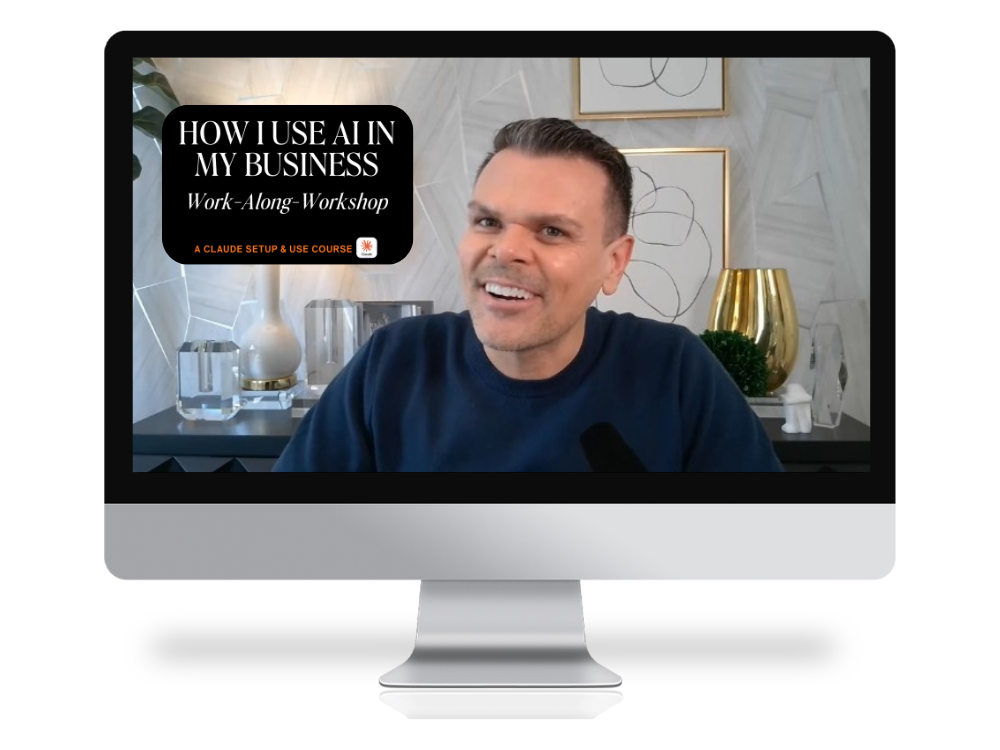
INTRODUCING MY WORK-ALONG-WORKSHOP
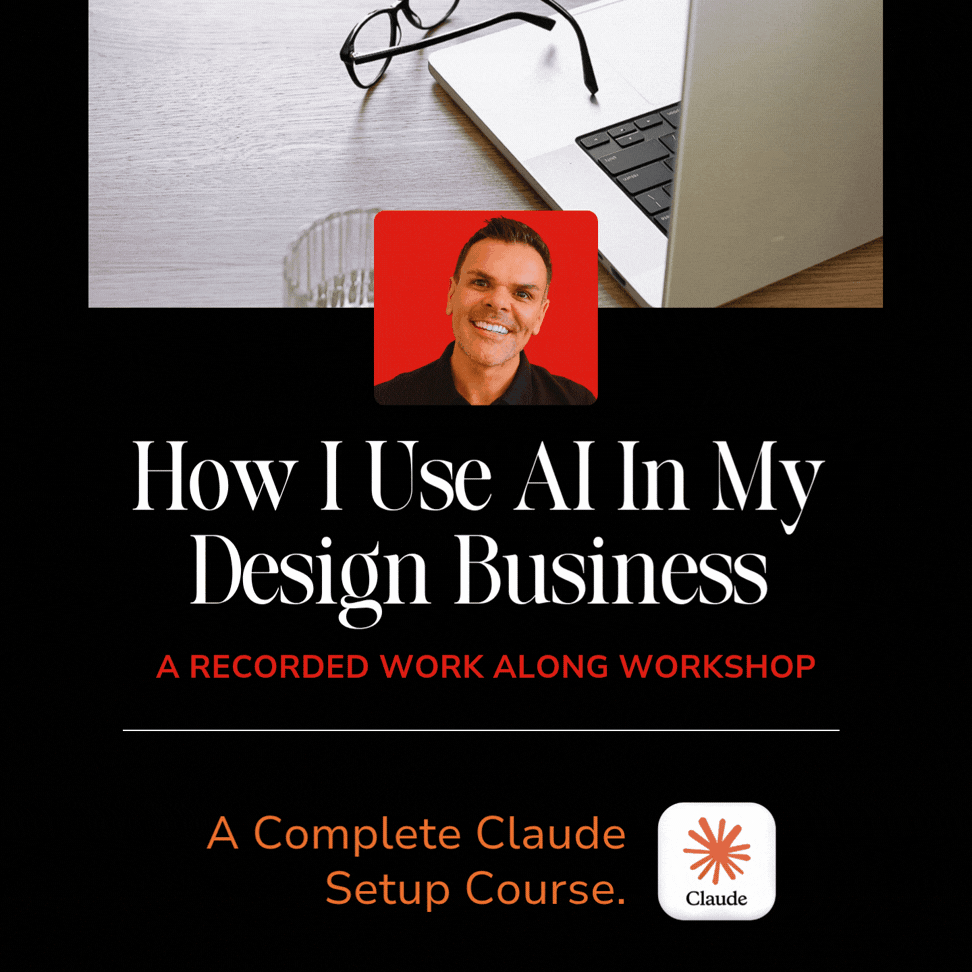
How I Use AI In My Design Business
7 modules. 13 lessons. Built for interior designers.
Set up Claude so it sounds like you and works for your business.
Start using it the same day you finish.

FIRST
What We'll Do Together
- Set up Claude so it actually works for you
- Learn what to say to get usable results
- Fix and refine output so it sounds like you
- Apply a simple framework you can use every day
NEXT
Then we’ll apply it directly to your business:
- Client emails and follow-ups
- Proposals and client communication
- Meeting notes and recaps
- Social media content
- Everyday admin that eats your time


AND FINALLY
By the end of this workshop…
You’ll know exactly how to use AI in your business as:
- An admin assistant for emails, notes, and follow-ups
- A marketing assistant for content and social media
- A writing assistant for proposals and client communication
- And a thinking partner that helps you move faster and stay clear
No new hires. No added complexity.
Just a system that works.
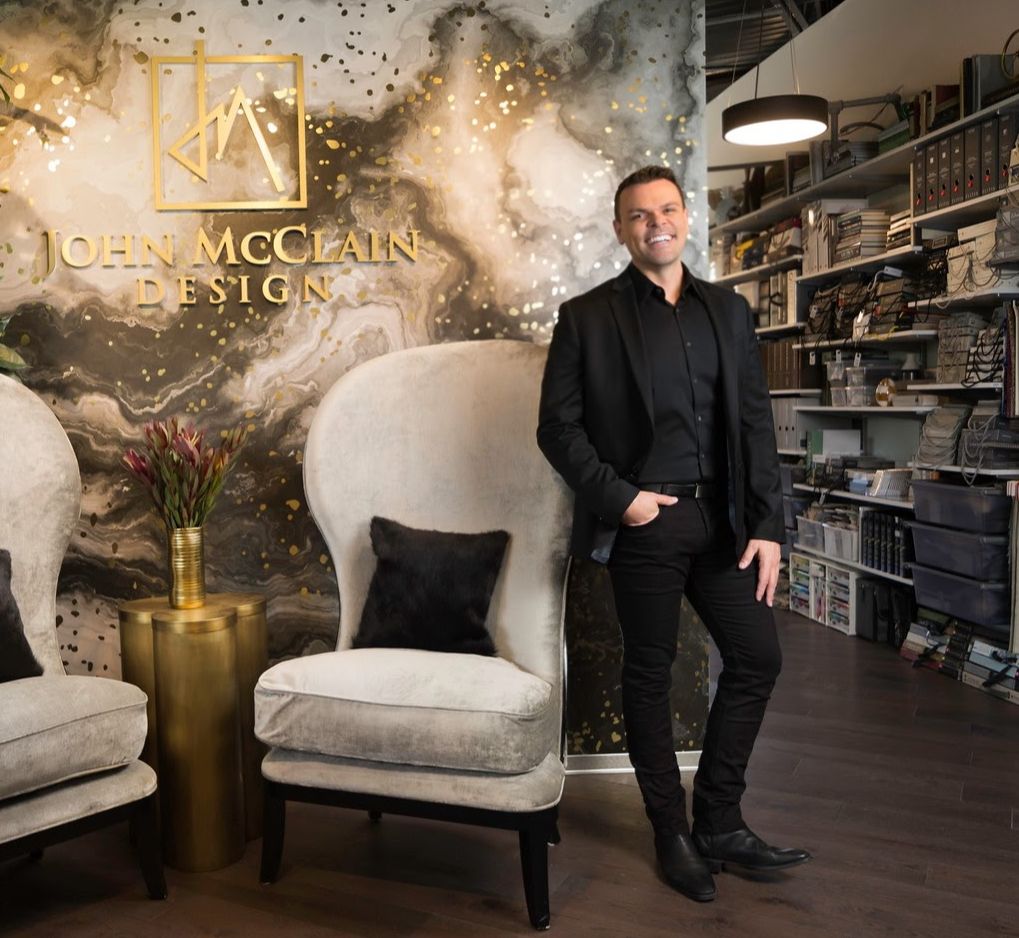
Hey Friend, I'm John.
I’m a luxury interior designer with over 16 years in the industry, published author, podcast host, and a business coach for interior designers who are done guessing at the business side of things.
A few years ago, I went deep on AI.
Not because it was trendy…
Because I run a real business and needed real solutions.
I tested everything, spent thousands of dollars learning what actually works, and figured out how to use it in a way that supports my business without overcomplicating it.
This training is where I hand all of it to you.
Claude is the tool I use every single day. It's what this workshop is built on. And if you end up curious about other tools along the way, I'll point you in the right direction.
(Good news: this works for all of the other ai LLM Platforms too)
Ready to sign up?
This is for designers who want to use AI the right way—
not just play around with it.
01. Sign Up
Enroll today and get instant access to all 7 modules and 13 lessons. Work through them at your own pace. Pause, implement, come back. It's yours forever.
02. Watch & Work With Me
This isn't passive learning. Open Claude alongside the video, follow my steps, and build your system as we go. You leave with something that actually works.
03. Start Using Today
By the time you finish Module 1, you'll already have Claude set up and working. Everything after that makes it smarter, faster, and more useful.
What You Get:
1 PAYMENT OF $297
BONUS 1
The AI Prompt Guide
10 copy-paste prompts I use every single week in my own design business. These are the exact inputs I use for client emails, social captions, proposals, and meeting recaps. Open Claude, paste one in, and you're done.
BONUS 2
How to Transfer Your ChatGPT Memory to Claude
Already been using ChatGPT? This bonus walks you through how to bring everything you've built over there into Claude so you're not starting from scratch. Your history, your context, your custom instructions. Transferred.
ADD TO CART
Frequently Asked Questions
DO I NEED ANY EXPERIENCE WITH AI TO TAKE THIS?
WHICH AI TOOL DOES THIS USE?
HOW LONG WILL IT TAKE ME TO GET THROUGH IT?
WILL THIS ACTUALLY APPLY TO MY DESIGN BUSINESS OR IS IT GENERIC AI CONTENT?
CAN I ACCESS THIS ON MY OWN SCHEDULE?
Still have questions?
Email us at [email protected]
This program is for you if...
- You're an interior designer who knows AI is not going away and you're ready to actually use it
- You've opened Claude or ChatGPT at least once and thought "I have no idea what I'm doing"
- You're tired of spending hours on emails, captions, and admin that AI could handle in minutes
- You want to sound like yourself, not like a robot wrote your content

This program is not for you if...
- You're looking for a shortcut that does everything for you with zero effort
- You're not willing to open Claude and actually work through the lessons
- You want a tool that replaces your creative voice instead of supporting it
- You're already using AI daily and have a system that's working